iPhone Development Craziness…
This week I finally gave apple $99 so I can test some of these apps I’m experimenting with on my iPhone and see what I can come up with. I was having so much trouble getting it to run on my iPhone I was getting the following error:
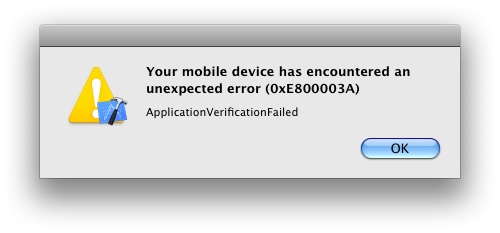
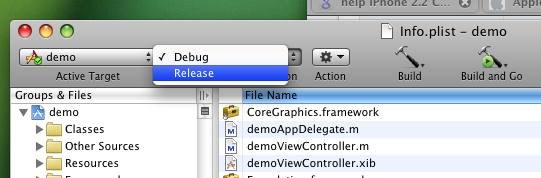
So, to get this error to go away, wheather it’s the correct way to solve this problem, I’m not sure but it works and it allows you to test on your iPhone. Just do the following, Change from Debug to Release and that should be it.
Update:
So I fell into the same trouble I could not debug under the iPhone device the key answer for me this time was to go under the Build menu and click on Clean All Targets. After that just make sure you set your Bundle Identifier in the info.plist and lastly make sure it is code signing your build under Get Info the left panel Targets > AppName right click select Get info in Code Signing Identity.
